> ## Documentation Index
> Fetch the complete documentation index at: https://developer.ongoody.com/llms.txt
> Use this file to discover all available pages before exploring further.
# Webhooks
> Webhooks allow you to be notified when events happen on Goody orders and order batches. You can subscribe to all webhooks, or a subset of them. Webhooks are sent by the Svix platform.
For the complete guide to webhooks, visit the Webhooks page for the API you are using:
## Available webhooks
| Webhook | Description |
| -------------------------------------------------------------------------------- | ------------------------------------------------------------------------------------------------------------------------ |
| **[order\_batch.created](/webhooks/events/order_batch.created)** | When an order batch is newly created. The order batch could still be in process of sending, or scheduled for the future. |
| **[order\_batch.completed](/webhooks/events/order_batch.completed)** | When an order batch is fully processed and all orders have been created. |
| **[order.created](/webhooks/events/order.created)** | When an order is created and is ready to be opened. |
| **[order.gift\_opened](/webhooks/events/order.gift_opened)** | When a gift is opened by the recipient. |
| **[order.gift\_accepted](/webhooks/events/order.gift_accepted)** | When a gift has been accepted by the recipient. |
| **[order.thank\_you\_note\_added](/webhooks/events/order.thank_you_note_added)** | When a recipient adds a thank you note to a order after accepting it. |
| **[order.shipped](/webhooks/events/order.shipped)** | When an order starts shipping. If there are multiple shipments, this is called for the first. |
| **[order.delivered](/webhooks/events/order.delivered)** | When an order is fully delivered. If there are multiple shipments, this is called when all shipments are delivered. |
| **[order.canceled](/webhooks/events/order.canceled)** | When an order has been canceled. |
| **[order.refunded](/webhooks/events/order.refunded)** | When an order has been refunded. |
## Setting up a new webhook
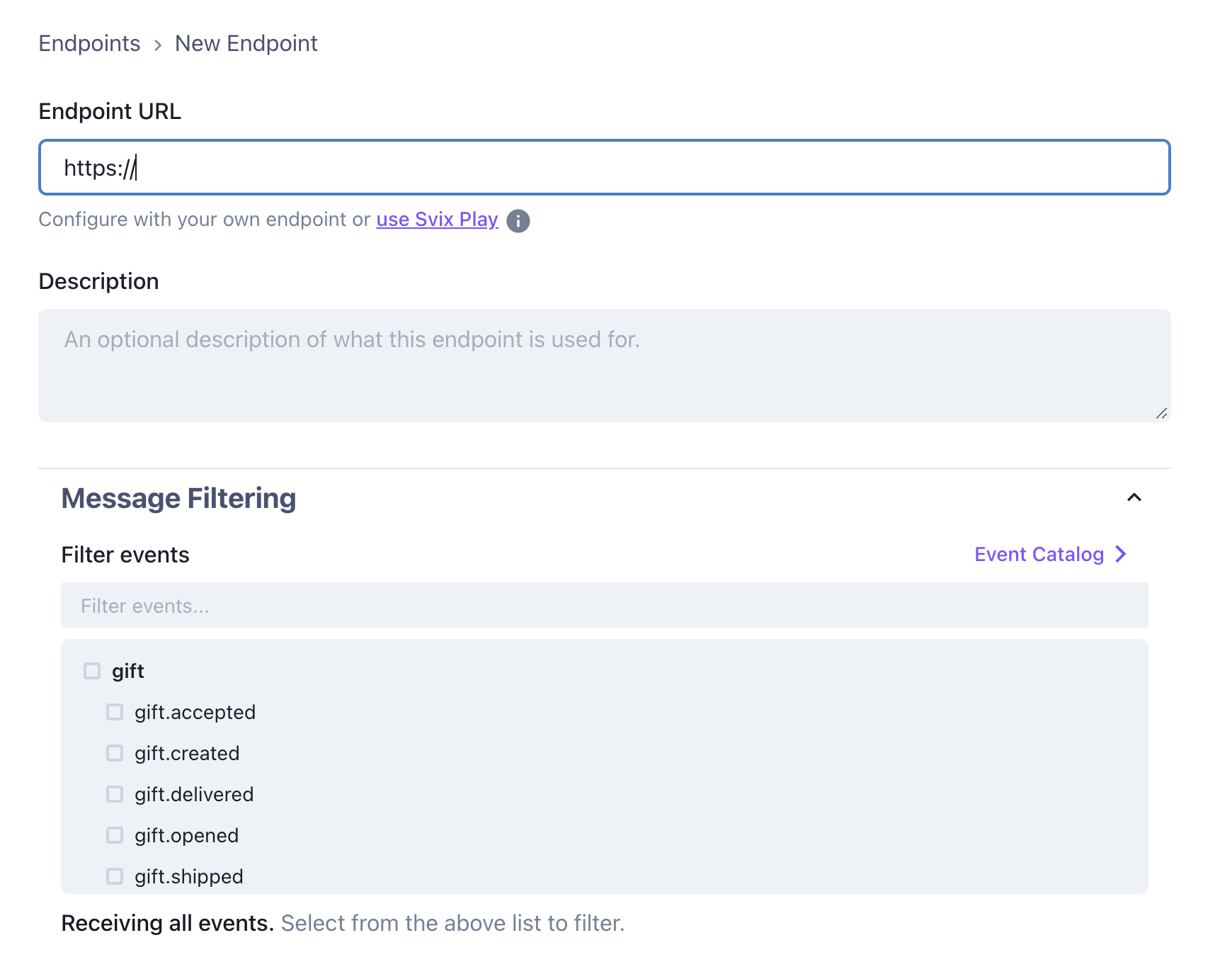 Enter a URL to recieve webhooks in the **Endpoint URL** section.
You can leave **Message Filtering** blank to receive all events, or select specific events to receive.
## Webhook security
To ensure the integrity of the webhooks you receive, we recommend verifying the signatures of the webhooks you receive. Svix provides packages for multiple languages that make verifying signatures easy.
To see how, go to the [Webhook Security](/webhooks/webhook-security) page.
## Logs
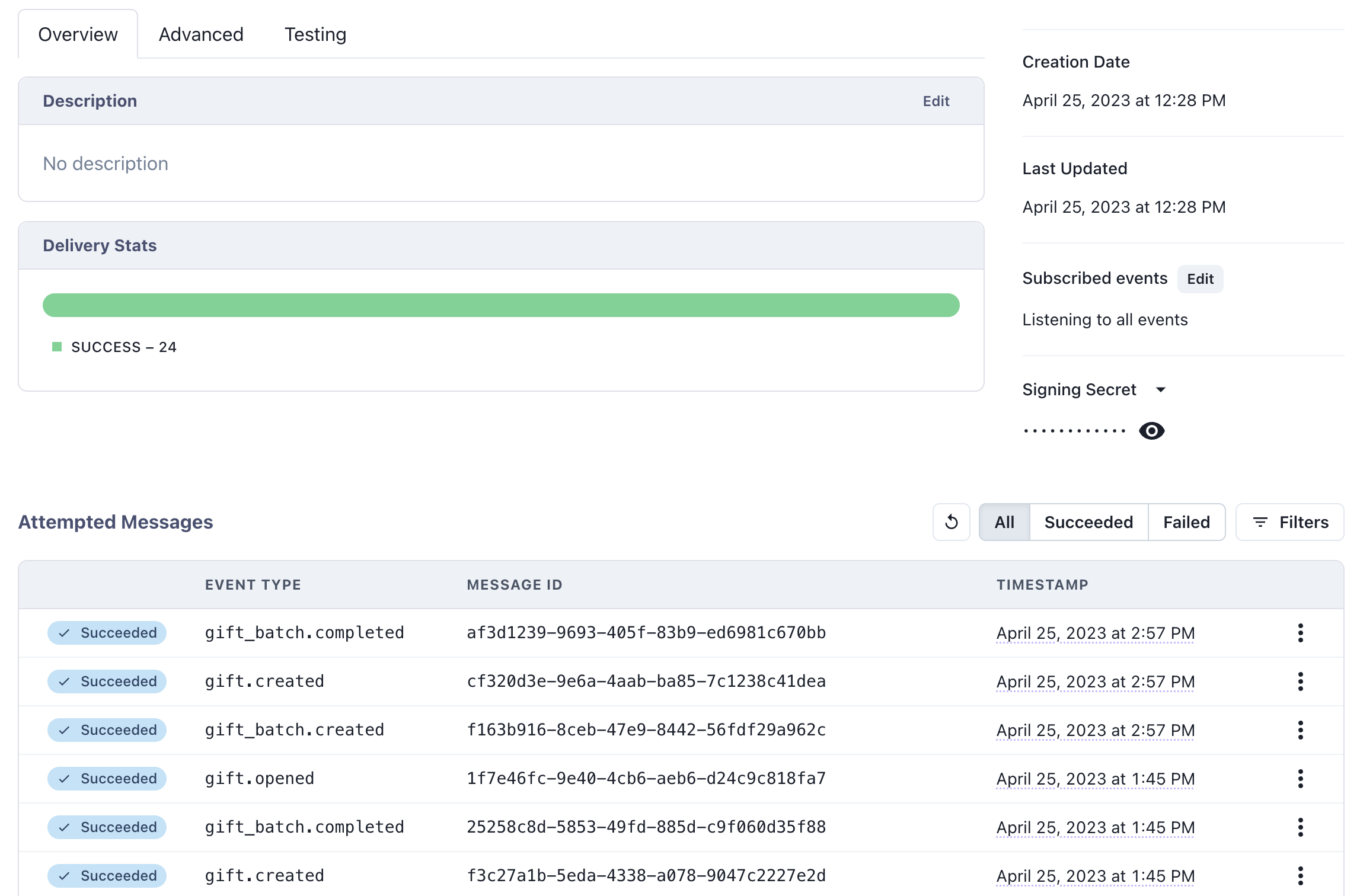
You can view the logs for webhook delivery for each endpoint, and re-send any failed webhooks if needed.
Enter a URL to recieve webhooks in the **Endpoint URL** section.
You can leave **Message Filtering** blank to receive all events, or select specific events to receive.
## Webhook security
To ensure the integrity of the webhooks you receive, we recommend verifying the signatures of the webhooks you receive. Svix provides packages for multiple languages that make verifying signatures easy.
To see how, go to the [Webhook Security](/webhooks/webhook-security) page.
## Logs
You can view the logs for webhook delivery for each endpoint, and re-send any failed webhooks if needed.